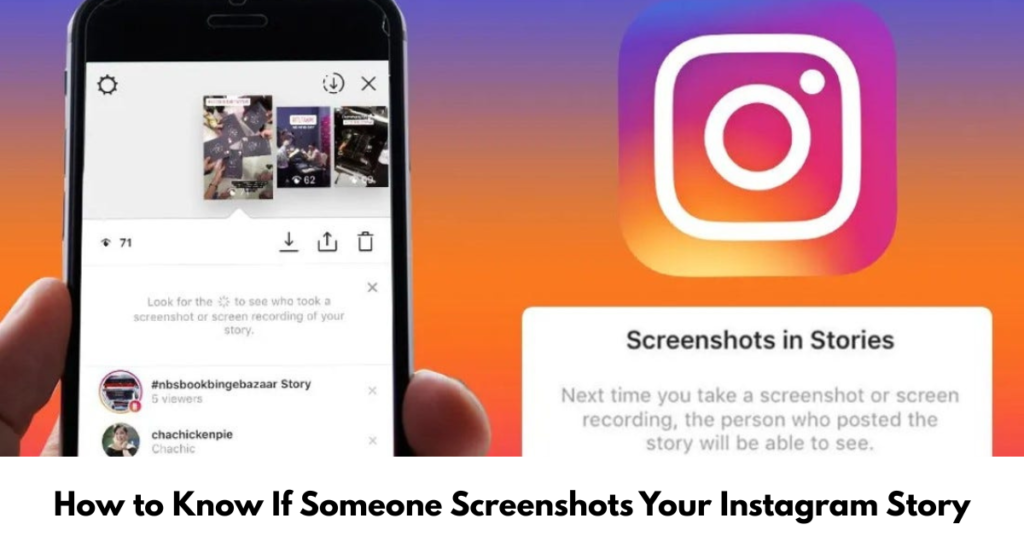

Ever posted an Instagram story and immediately wondered, “Did someone just screenshot that?” You’re not alone. Many users search for how to know if someone screenshots your Instagram story, especially when sharing personal moments, business content, or limited-time posts.
In this article, we’ll break down what Instagram actually tells you, what’s changed over time, and whether tools or tricks really work. No myths, no guesswork—just clear, up-to-date facts explained in a friendly way.
How Instagram Stories Work Behind the Scenes
Instagram stories are designed to be temporary, disappearing after 24 hours. You can see:
-
Who viewed your story
-
How many people interacted with it
-
Replies and reactions
But when it comes to screenshots, things get a little… complicated.
Does Instagram Notify You When Someone Screenshots Your Story?
Short answer: No.
Instagram does not notify you if someone screenshots your Instagram story. This has been true for several years and remains unchanged.
Even if:
-
The story is a photo
-
The story is a video
-
The account is private
You will not receive a screenshot alert.
How to Know If Someone Screenshots Your Instagram Story (2022–2023 Reality)
Many people still search for:
-
how to know if someone screenshots your instagram story 2022
-
how to know if someone screenshots your instagram story 2023
Here’s the honest update
Instagram tested screenshot alerts—then removed them
Back in 2018, Instagram briefly tested screenshot notifications for stories. The feature was later scrapped due to privacy concerns.
Since 2022 and 2023, no screenshot detection feature exists for Instagram stories.
If someone tells you otherwise—they’re mistaken or selling misinformation.
When DOES Instagram Notify Screenshots? (Important Exception)
Instagram only notifies screenshots in one specific case:
Disappearing Photos & Videos in DMs
If you send:
-
A disappearing photo
-
A disappearing video
-
A “view once” message
Then yes—Instagram will notify you if the recipient takes a screenshot.
This does not apply to stories.
Common Myths About Instagram Story Screenshots
Let’s clear up a few popular misconceptions:
-
Third-party apps can track screenshots
-
Business accounts get screenshot alerts
-
Story highlights send notifications
-
Screen recordings trigger alerts
None of these are true.
Instagram does not share screenshot data for stories with users or apps.
Can You Guess If Someone Screenshots Your Story?
While there’s no direct way, some people look for indirect signs like:
-
Someone views your story repeatedly
-
A sudden DM reaction to specific content
-
Someone referencing something you posted
These are clues, not proof—and they can’t confirm a screenshot.
How to Protect Your Instagram Stories Instead
Since you can’t detect screenshots, focus on control instead:
Smart Privacy Tips
-
Use Close Friends for personal stories
-
Switch to Private Account
-
Remove unknown or inactive followers
-
Avoid posting sensitive information
For businesses, watermarking content can also help prevent misuse.
FAQs About Instagram Story Screenshots
Can you see if someone screenshots your Instagram story?
No. Instagram does not notify users when stories are screenshotted.
Did Instagram notify screenshots in 2022 or 2023?
No. Screenshot notifications for stories were discontinued years earlier.
Do screen recordings notify Instagram story owners?
No. Screen recordings are not detected for stories.
Are third-party apps reliable for screenshot tracking?
No. These apps cannot access Instagram’s private data and may compromise your account.
Does Instagram notify screenshots for highlights?
No. Highlights follow the same rules as stories.
Conclusion
If you’ve been searching for how to know if someone screenshots your Instagram story, the truth is simple: Instagram doesn’t tell you—and hasn’t since before 2022. While that may feel frustrating, understanding how the platform actually works helps you post smarter and protect your content.
If privacy matters to you, use Instagram’s built-in tools instead of relying on rumors or risky apps.
Next step: Check out related guides on Instagram privacy settings, close friends features, and content protection strategies.